Don't Waste Your One Appeal: Contractors Remove Fake Google Reviews
# Don't Waste Your One Appeal: Contractors Remove Fake Google Reviews
You cannot delete a Google review yourself. Removal only happens when Google's automated system or a human reviewer decides the content breaks its policy, not because you disagree with it. The fast path is: screenshot everything now, post a calm public reply, flag the review with the right policy category, wait several business days for the automated decision, then use your one appeal if it's denied. Do those three things this afternoon before you do anything else.
*
TL;DR: - Most fake reviews are flagged by Google's automated system or human moderators based on violation of policies, not because the business disagrees with the content. - Building a strong, policy-specific case with evidence like timestamps, CRM records, and review patterns greatly improves chances of removal upon reporting. - Marking reviews for policy reasons involves quick flagging, documenting evidence, and awaiting a decision, with escalation possible if initially denied. - Immediate, calm public responses that do not admit fault can mitigate reputation damage while the review is under review. - Ongoing monitoring and avoiding incentives for reviews are essential to prevent recurring fake review attacks.
*
Table of Contents
- —How Do You Identify a Fake Review Worth Removing?
- —How Do You Report a Review in Google Business Profile?
- —What Happens If Google Denies Your First Flag?
- —What Should You Post While the Review Is Under Review?
- —How Do You Prevent Fake Reviews From Coming Back?
- —Who's Behind This Guide?
- —What the Playbook Gets Right and Where Owners Waste Time
- —Get Managed Reputation Monitoring for Your Business
- —Sources
- —FAQ
How Do You Identify a Fake Review Worth Removing?
Google doesn't care whether a review is unfair. It cares whether the review violates its Maps User Contributed Content Policy. That distinction trips up almost every business owner who tries to fight a bad review by arguing the facts are wrong. Arguing "this customer is lying" gets you nowhere. Mapping the review to a specific policy category gets results.
Google organizes violations into a handful of buckets: spam and fake engagement, conflict of interest, off-topic content, harassment or hate speech, and posts that expose someone's personal information. Your job is to identify which bucket the review fits, then build your case around that category alone.
Look for these signals before you flag anything:
- —The reviewer has no history with your business (no invoice, no booking, no CRM record, no matching name or phone number).
- —The account posted several one-star reviews across unrelated businesses in a short window.
- —The wording echoes other suspicious reviews almost word-for-word, a common sign of coordinated or purchased campaigns.
- —The review targets a competitor's employee, a personal dispute, or an issue unrelated to your product or service.
- —The reviewer explicitly threatens you or references a demand for payment in exchange for taking it down.
Once you've spotted a likely violation, collect evidence immediately. Take a full-page screenshot of the review, including the date and star rating. Copy the direct review URL and the reviewer's profile link. Pull any booking, invoice, or CRM record covering the date the reviewer claims service happened. Note the pattern you found: other reviews from the same account, matching language across multiple businesses, or a burst of negative reviews posted within hours of each other.
Pro Tip: Save every piece of evidence in one dated folder before you flag anything. Google's Reviews Management Tool only gives you one appeal per flagged review, so you want your strongest case ready the first time, not scrambled together after a denial.
A narrow, policy-focused case with dates and records beats a long, emotional complaint every time. Reviewers who prepare a specific paper trail, rather than a general "this isn't true" statement, see far better outcomes when the case reaches a human moderator.
How Do You Report a Review in Google Business Profile?
Flagging a review takes about two minutes once you know where to click. Here's the exact path:
- 1.Sign into Google Business Profile and open the location the review is attached to.
- 2.Go to "Reviews" in the left menu, or search "reviews" from the Maps app if you're on mobile.
- 3.Find the review, click the three-dot menu (⋮) next to it, and select "Report review."
- 4.Choose the policy reason that matches your evidence: spam, conflict of interest, off-topic, or harassment are the most common fits for fake reviews.
- 5.Add a short note if prompted. Keep it factual: "No record of this customer in our booking system for the date claimed. Reviewer's account shows a pattern of negative reviews across unrelated businesses posted within 48 hours."
- 6.Submit and record the confirmation, which may include a Case ID
Save that Case ID immediately. Product Experts and support agents rely on it to pull up your specific report without you re-explaining the entire situation.
The Reviews Management Tool inside Google Business Profile lets you batch-report multiple suspicious reviews and, later, track appeal status in one place. That's also where you'll find the one-time appeal option if your first flag gets denied.
Once submitted, expect a status label rather than an instant answer. Google typically returns one of three outcomes within several business days:
- —Decision pending means it's still in the automated queue.
- —Report reviewed, no policy violation found means the automated system saw nothing it could act on and your appeal is now your only remaining lever.
- —Escalated means a human moderator is now looking at it, which usually takes longer but carries more weight than the automated pass.
Automated spam detection catches obvious violations quickly, but well-written fake reviews often slip past the first automated check entirely. That's exactly why the appeal and escalation path exists, and why documentation matters more than speed.
What Happens If Google Denies Your First Flag?
Most fake reviews that survive the first automated pass need a second, more deliberate push. You get exactly one formal appeal per flagged review through the Reviews Management Tool, so prepare your full evidence packet before you submit it, not after.
Your appeal should include:
- —The direct review URL and your original Case ID.
- —A one-paragraph summary tying the review to a specific policy category, not a general complaint.
- —Supporting documentation: booking logs, CRM records, timestamps, and any pattern evidence showing coordinated posting or reviewer history.
- —Screenshots of related reviews if you're arguing a coordinated attack.
If the appeal comes back denied or sits unanswered too long, contact GBP Support directly and reference your Case ID in the first sentence. Support agents move faster when you hand them the review link, the case number, and a two-line evidence summary instead of a long narrative.
Posting to the Google Business Profile Community forum is another route, particularly when standard support stalls. Product Experts who volunteer there can sometimes escalate cases that get stuck in the regular queue. Present your case the same way you would in an appeal: policy category first, evidence second, and keep it under a few sentences.
Two situations call for a different track entirely. If a review contains defamatory claims, personal information, or doxxing, a legal removal request backed by an attorney carries more weight than another Google flag. And if someone is demanding money to take a review down, that's extortion, not a customer dispute.
Do not pay an extortion demand under any circumstances. Document every message, then report it through Google's merchant extortion form and to the FTC, which now has explicit rulemaking authority to pursue civil penalties against anyone buying, selling, or soliciting fake reviews.
Set realistic timeline expectations. The automated flag resolves in under a week. A human escalation through Support or the Community can take several days to a couple of weeks. Legal removal requests move on their own schedule, often the slowest path, but the only one built for genuinely defamatory content.
What Should You Post While the Review Is Under Review?
Waiting on Google doesn't mean sitting silent. A short, calm public reply does more for your reputation than the eventual removal decision, because prospective customers see it immediately, while the flag review process runs quietly in the background.
Here's a template that works without sounding defensive:
- 1.Acknowledge without admitting fault: "We take all feedback seriously and looked into this closely."
- 2.State the fact plainly: "We have no record of this transaction in our system for the date mentioned."
- 3.Invite direct contact: "Please reach out to us directly at [phone or email] so we can look into this further."
That's it. Two or three sentences, no accusations, no emotion. A reply that stays factual and invites contact reads as professional to anyone scrolling past it, and it gives you a documented, good-faith response if you need it later for an appeal or escalation.
While that's running, start collecting new legitimate reviews. Reputation recovery is largely arithmetic: a business with 40 reviews and one fake one-star review looks very different from a business with 200 reviews and the same fake review buried on page two. Ask recent, real customers for a review through a simple text or email link. Never offer a discount or incentive in exchange, since that itself risks a policy violation and now carries federal scrutiny under the FTC's rule.
Pro Tip: Set a Google Alert for your business name plus terms like "review" or "complaint," and check your profile daily during an active dispute. Catching a second fake review within hours of it posting gives you a much stronger pattern argument if you need to escalate.

If the volume of fake activity is heavy, or if it's tied to a coordinated campaign from a competitor, this is also the point to loop in a local SEO resource that actively monitors your Maps visibility rather than checking it manually once a week.
How Do You Prevent Fake Reviews From Coming Back?
Fake review attacks tend to repeat once a business becomes a target, so the businesses that recover fastest are the ones with monitoring already running before the next attack lands.
Build these habits into your routine:
- —Set up daily or weekly alerts for new reviews across Google, Yelp, and Facebook rather than checking manually.
- —Keep a simple internal log of every customer interaction, including dates, service type, and contact details, so you can disprove a fake review in minutes instead of days.
- —Never offer discounts, gift cards, or incentives in exchange for reviews. It violates Google's policy and now falls under the FTC's fake review rule.
- —Train front-line staff to recognize and immediately report any customer who threatens a bad review unless demands are met.
- —Retain booking and CRM records for at least a year. That's your fastest evidence source when a dispute lands out of nowhere.
If an extortion attempt shows up, whether it's a demand for a refund, free service, or cash in exchange for pulling a threatened review, do not negotiate and do not pay. Screenshot the message, save the reviewer's profile link, and report it through both Google's merchant tools and the FTC's reporting page. Businesses that pay once often get targeted again.
Who's Behind This Guide?
This guide was written by Damian for Vaultio, which builds AI-powered lead response systems, local SEO campaigns, and reputation monitoring specifically for home service contractors. Vaultio's work centers on a few core signals that matter here:
- —Rankings and visibility management across Google, Maps, and AI-powered search assistants.
- —Lead response systems that engage new inquiries within seconds, which matters just as much when a fake review is scaring off warm leads mid-decision.
- —Ongoing monitoring built for contractors who don't have time to check their Google profile daily during a dispute.
- —A 30-day money-back guarantee on managed services for businesses that want a second set of eyes on their reputation.
Handling a fake review dispute alone is entirely doable with the steps above. But contractors juggling job sites, crews, and customer calls often lose the appeal window simply because nobody had time to build the evidence packet properly. That's the gap a managed service is built to close.
What the Playbook Gets Right and Where Owners Waste Time
Most advice on this topic treats every fake review the same way: flag it, hope, move on. That's backwards. The businesses that actually get reviews removed treat the flag as the second step, not the first. The real work happens before you touch the report button, when you're mapping the review to a specific policy category and lining up dates, invoices, and CRM records that prove your case in one paragraph instead of five.
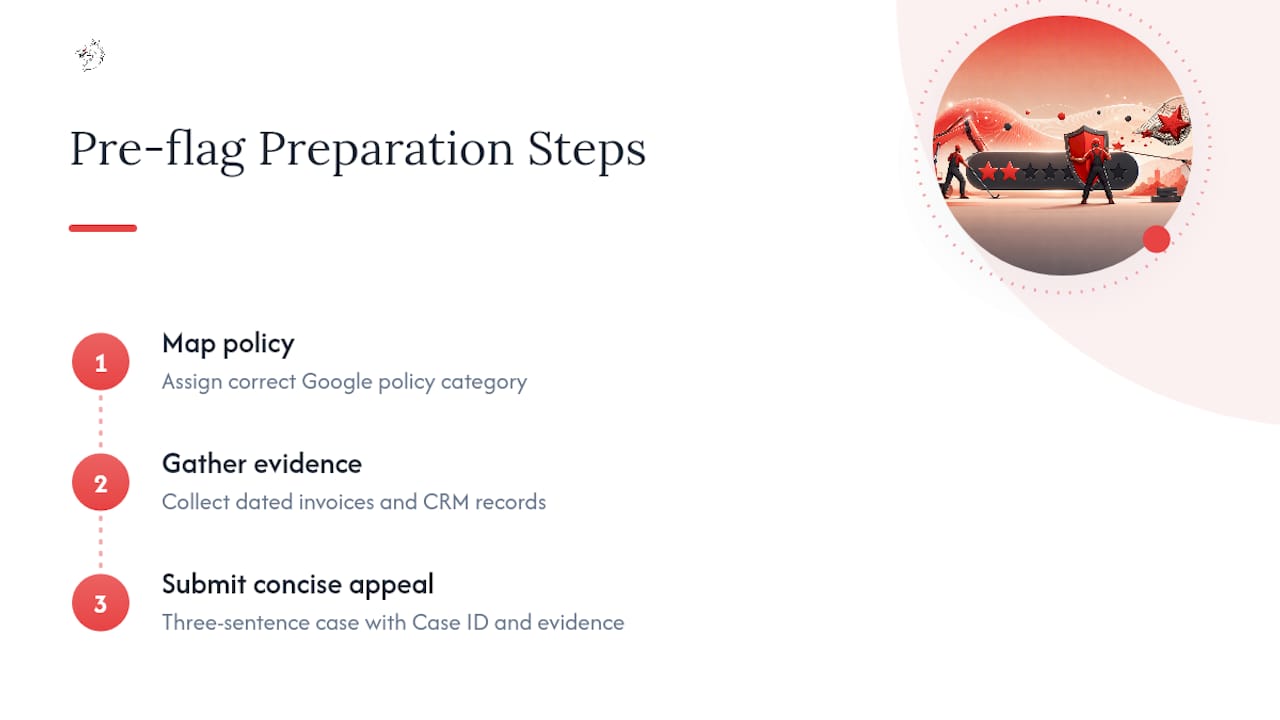
The biggest mistake I see is owners burning their one appeal on emotion. A furious, detailed rebuttal explaining why the customer is wrong reads as noise to a moderator scanning a queue. A three-sentence appeal with a Case ID, a policy category, and one piece of hard evidence gets read in full.
The second mistake is silence. Owners wait for Google's decision before responding publicly, which means a damaging review sits unanswered for days while prospects see it. Post the calm reply immediately. It costs nothing and it's the one part of this entire process fully under your control.
— Damian
Get Managed Reputation Monitoring for Your Business
Fighting a fake review solo works, but it eats hours you probably don't have between job sites and customer calls. There are managed services that handle monitoring, evidence documentation, and escalation tracking for contractors, paired with local SEO and AI lead response systems that keep new jobs flowing in while a dispute plays out.

A consult with Vaultio typically starts with a look at your current Google Business Profile, review history, and any active disputes, followed by a plan for ongoing monitoring so the next fake review gets caught within hours, not weeks. This isn't a guarantee that every flagged review disappears. Google makes that call alone. What managed monitoring does is raise your odds by catching attacks early, keeping your evidence organized, and freeing you up to run your business instead of refreshing your Maps listing. If you're a contractor in Santa Barbara or San Luis Obispo looking to protect and grow your local search presence at the same time, start with a free consultation and see what's currently exposed.
Sources
Keep these on hand the next time a fake review lands in your inbox: Google's official reporting page covers policy categories and the Reviews Management Tool directly. The FTC's rule announcement explains the legal penalties now facing anyone buying or selling fake reviews, and its consumer reporting guide walks through documentation for suspicious reviews and extortion attempts. For a broader look at reputation management tactics beyond Google specifically, this step-by-step guide for SMBs covers complementary monitoring strategies worth adding to your routine.
- —Report inappropriate reviews on your Business Profile
- —Federal Trade Commission announces final rule banning fake reviews and testimonials
- —How to report suspicious online reviews
FAQ
How Do You Filter Out Fake Google Reviews?
You can't filter them from public view yourself, but you can flag suspicious reviews through Google Business Profile's report tool and sort your own dashboard by rating to spot patterns faster while a report is pending.
How Do You Stop Someone From Posting Fake Reviews?
You can't fully prevent someone from attempting it, but daily monitoring, alerts, and a documented CRM history let you catch and flag an attack within hours instead of days, which limits the damage significantly.
How Do You Delete a Fake Review?
You don't delete it directly. Flag it through Google Business Profile using the correct policy category, wait for the automated decision within 3 to 5 business days, and use your one appeal if it's denied.
Is Faking Google Reviews Illegal?
Yes. The FTC's final rule bans buying, selling, or soliciting fake reviews and gives the agency authority to pursue civil penalties against violators.
Recommended
Ready to Implement This?
Your new site live within 8 days. No contracts. If your organic traffic doesn't grow within 90 days, we refund you in full.